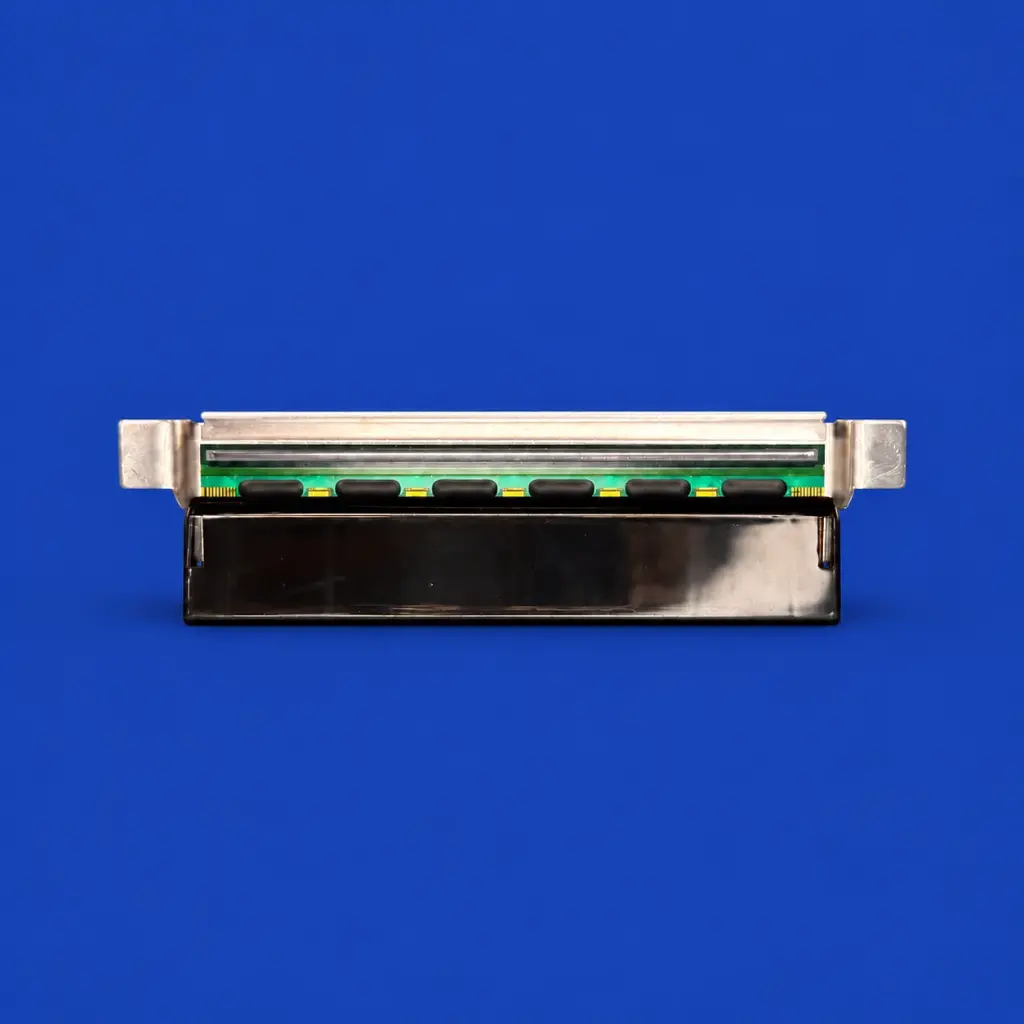
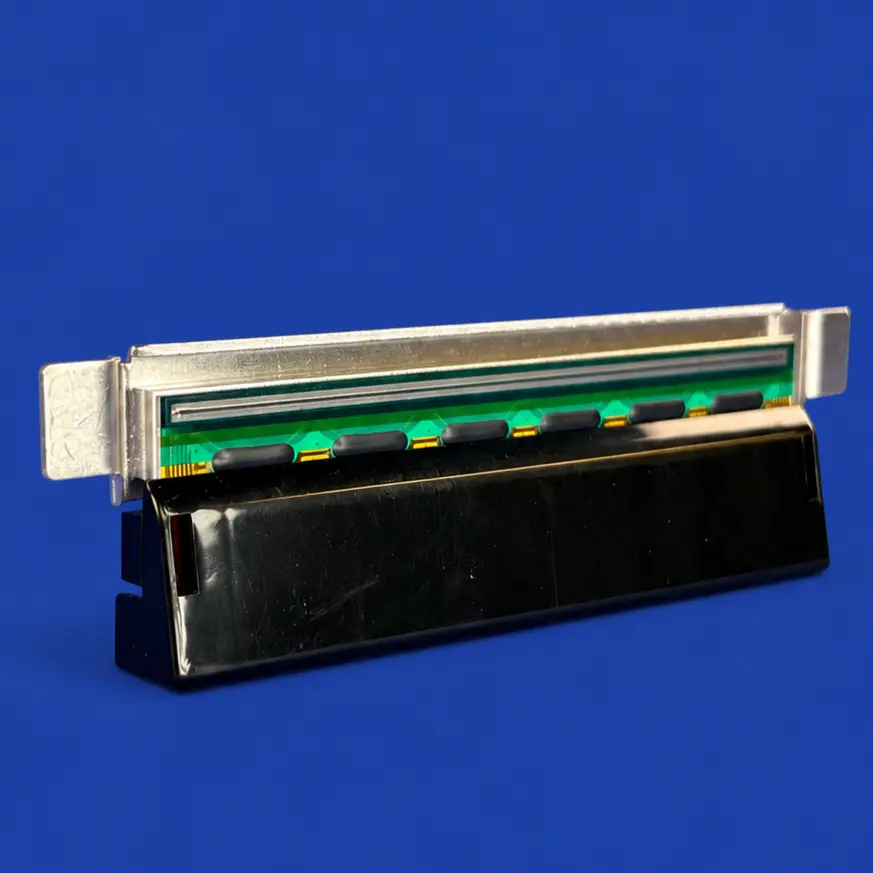
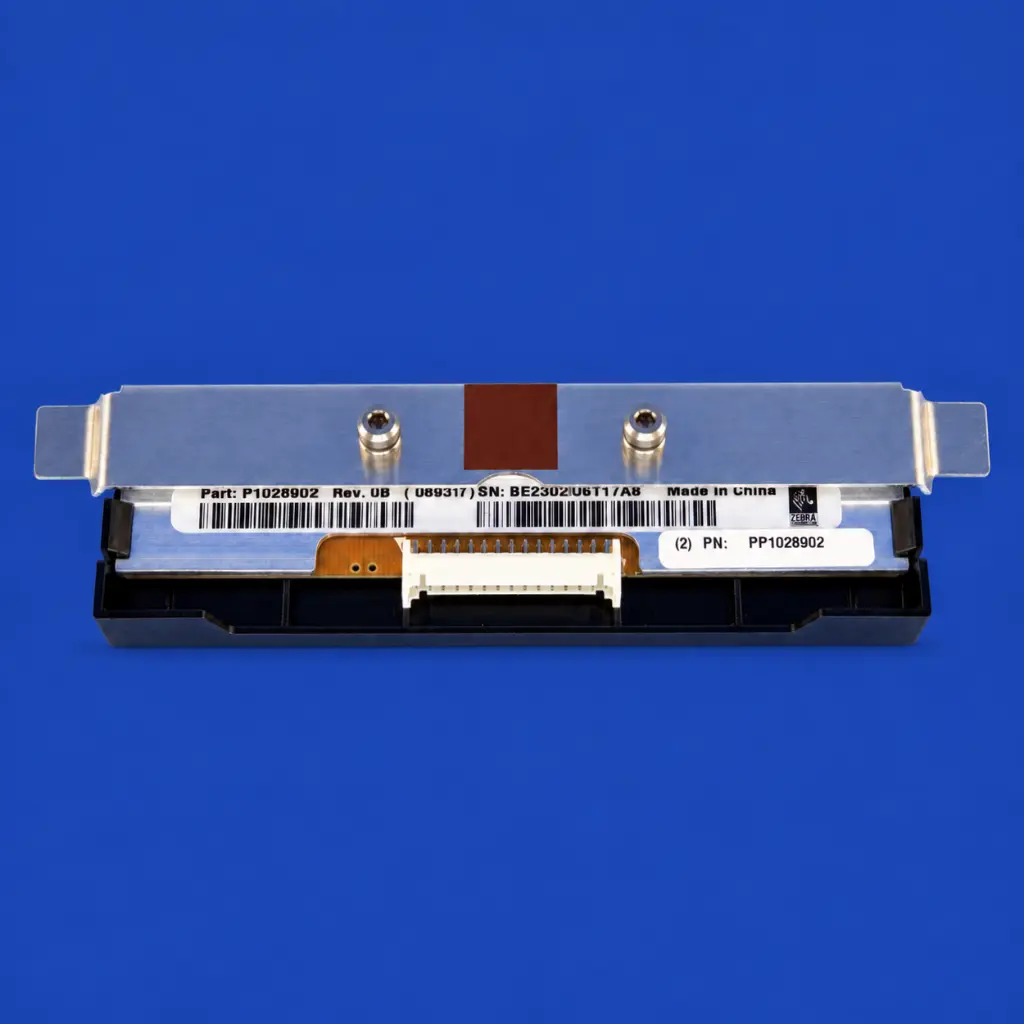
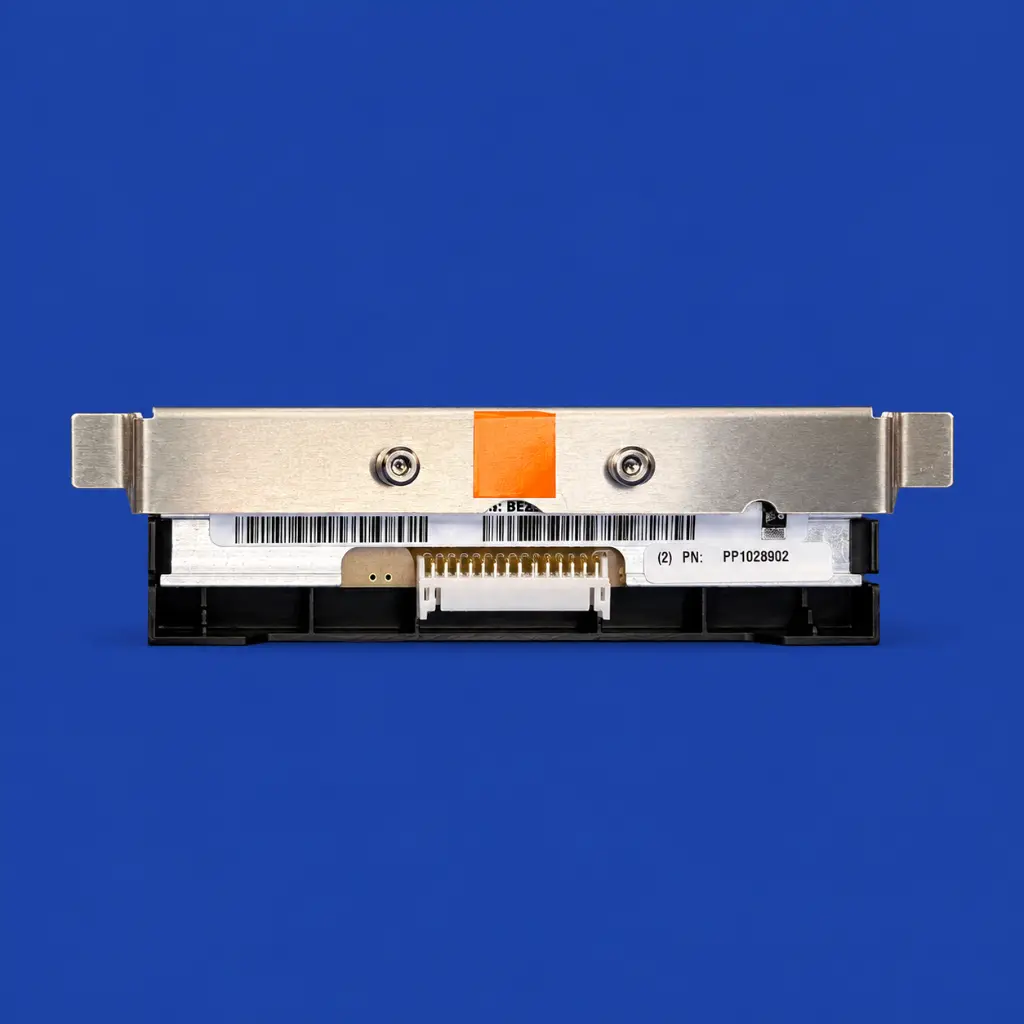

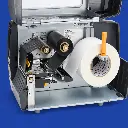
Printkop Zebra ZT200/220/230 - 200 DPI
| Printer DPI: 203 DPI |
Zebra ZT200/220/230 Printhead – 203 dpi
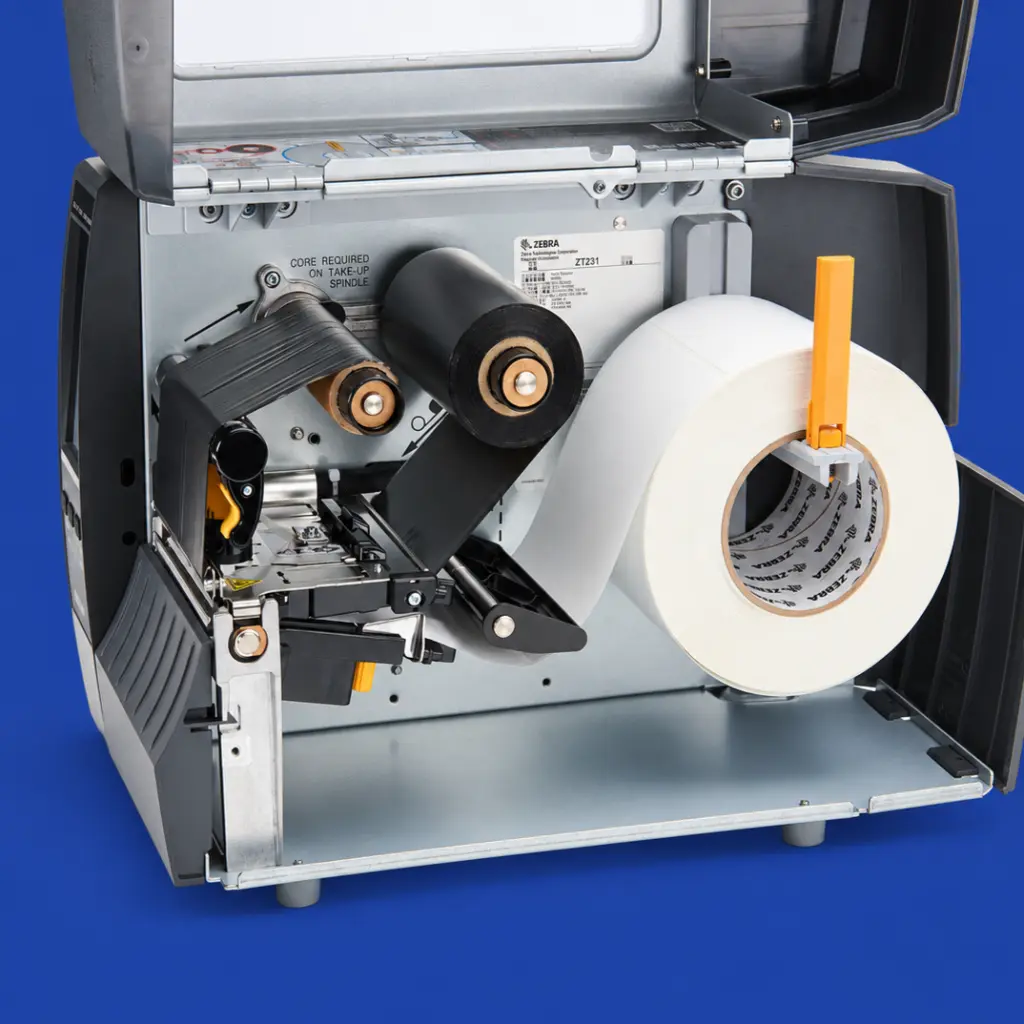
This replacement print head is suitable for printers in the Zebra ZT200 series, including the ZT210, ZT220, and ZT230. The official resolution is 203 dpi, which is often referred to as 200 dpi. The print head ensures sharp text, clear images, and easily scannable barcodes and QR codes.
Due to intensive use, dirt, or damage, the print quality of a print head can gradually decline. With a new print head, you can restore the original print quality and prevent incorrect labels, unreadable barcodes, and unnecessary downtime.
When should you replace the print head?
A worn or damaged print head is often recognizable by:
- White or missing lines in the print
- Vague or incomplete texts
- Poorly scannable barcodes and QR codes
- Uneven print quality across the width of the label
- Printing issues that persist after cleaning and adjusting the settings
By replacing the print head in a timely manner, your Zebra label printer will continue to perform reliably.
Suitable for thermal transfer and direct thermal printing
The print head can be used for both thermal transfer and direct thermal printing, depending on the printer settings and the chosen label material. This makes it suitable for product labels, shipping labels, warehouse labels, inventory labels, and logistics labels, among others.
According to Zebra's official parts catalog, the 203 dpi print head for the ZT200 series has part number P1037974-010.
Main features
- Replacement print head for the Zebra ZT200 series
- Suitable for Zebra ZT210, ZT220, and ZT230
- Resolution: 203 dpi, often referred to as 200 dpi
- Suitable for thermal transfer and direct thermal printing
- For sharp texts, images, barcodes, and QR codes
- Suitable for daily professional and industrial use
- Part number: P1037974-010
Assembly and maintenance
Always check the exact printer model, the current resolution, and the part number before ordering. A 300 dpi print head cannot be used as a direct replacement for a 203 dpi print head without additional adjustments.
Turn off the printer before assembly and minimize contact with the delicate print surface. Keep the print head free from dust, dirt, and adhesive residue. Additionally, use appropriate labels and ribbons, and correctly adjust the heat, speed, and print head pressure. This way, you maintain consistent print quality and extend the lifespan of the print head.
