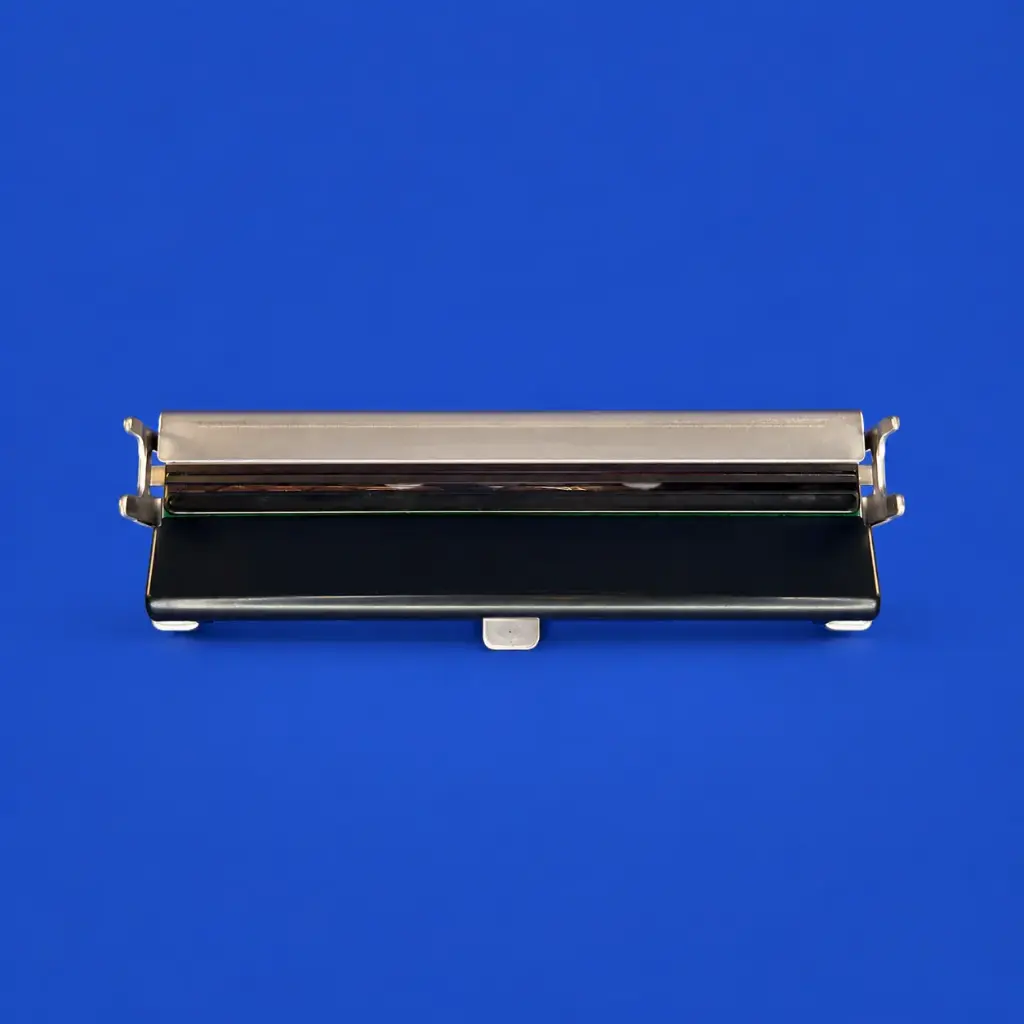
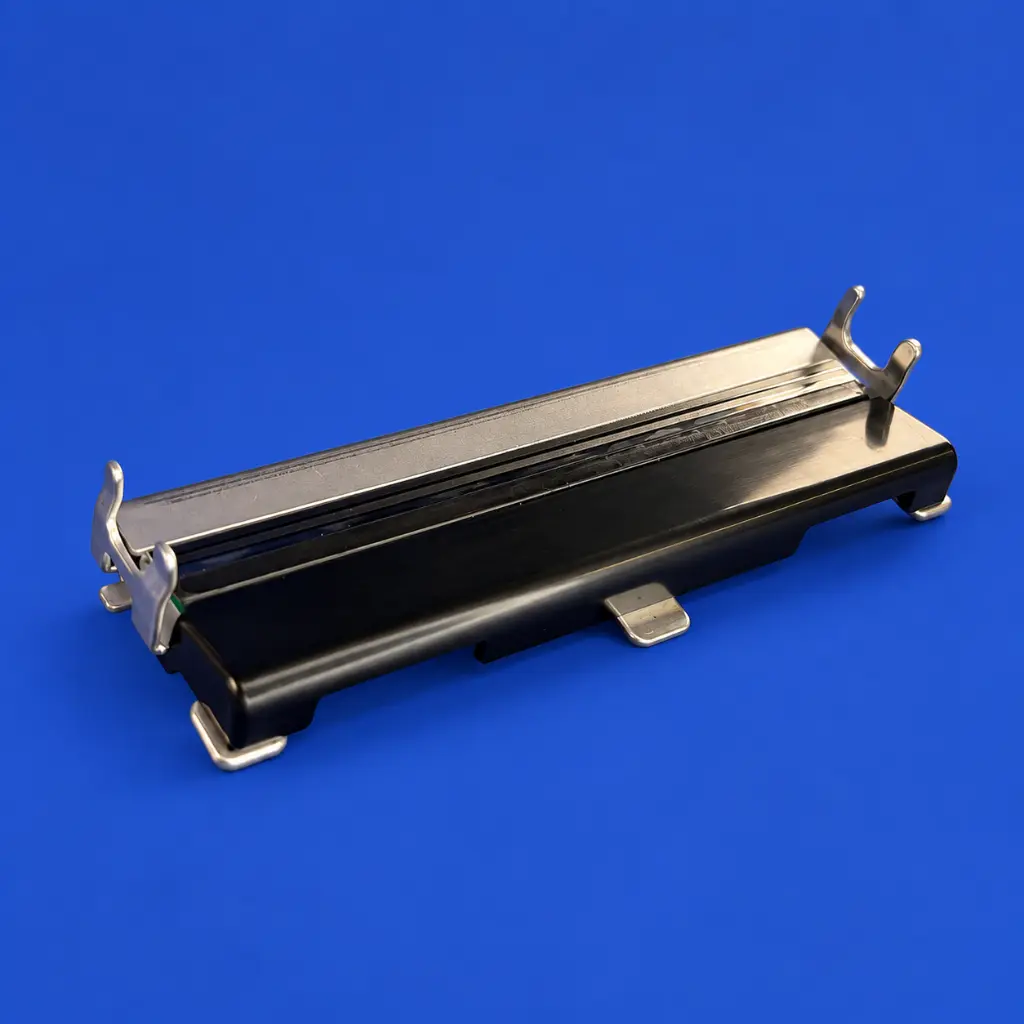
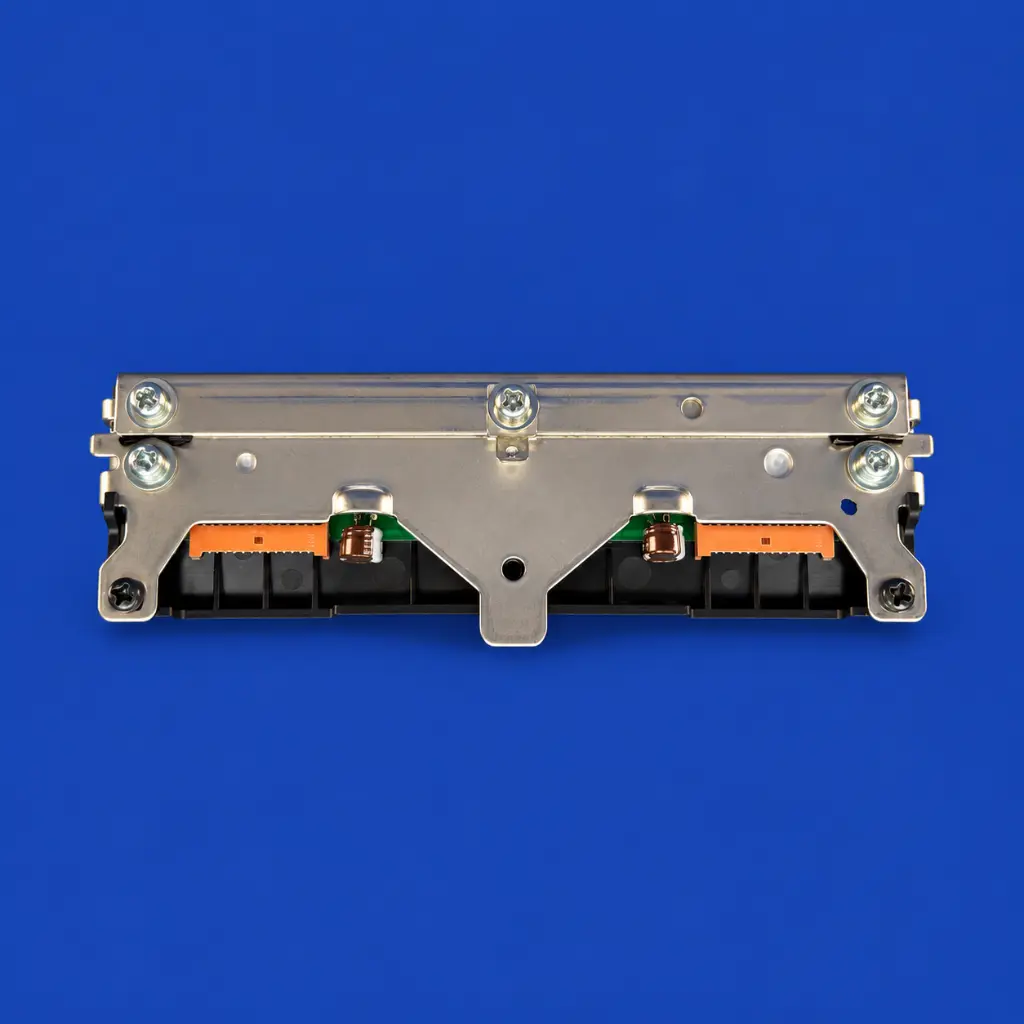
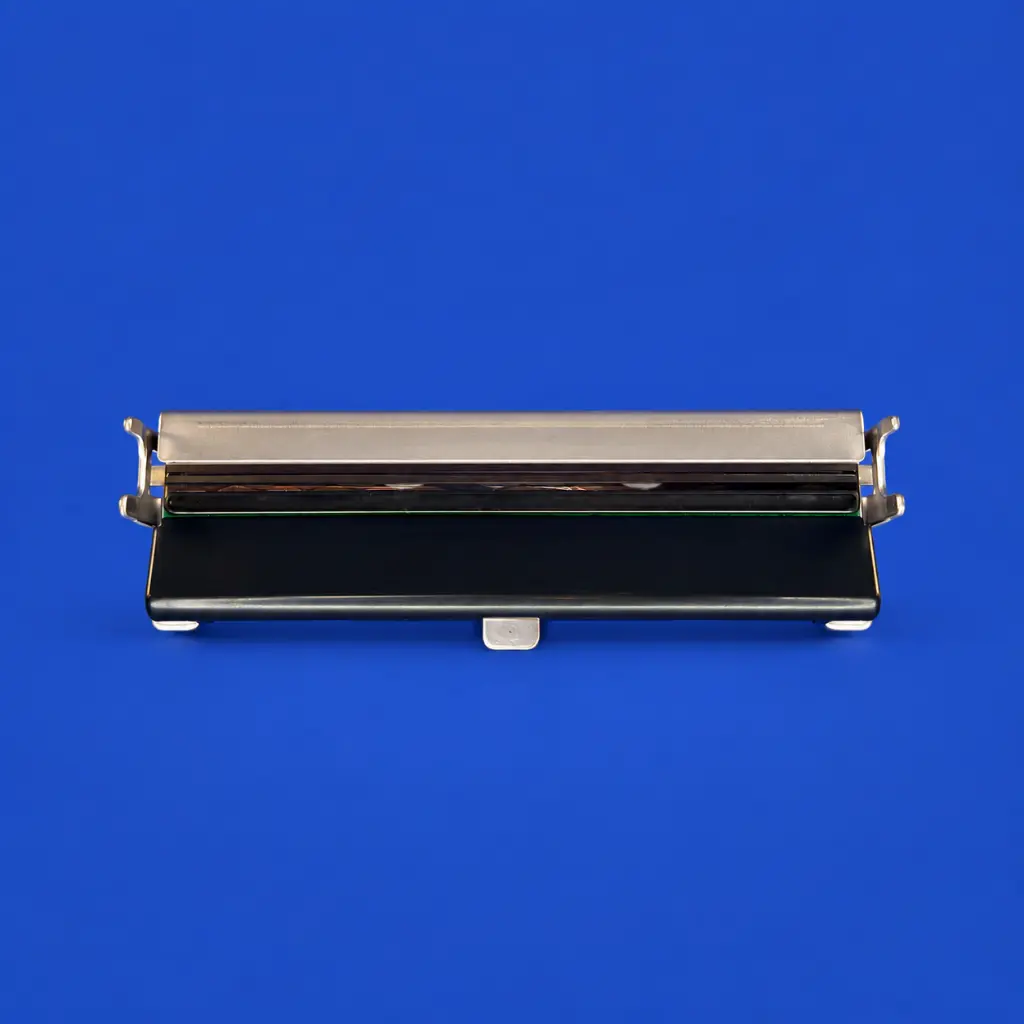
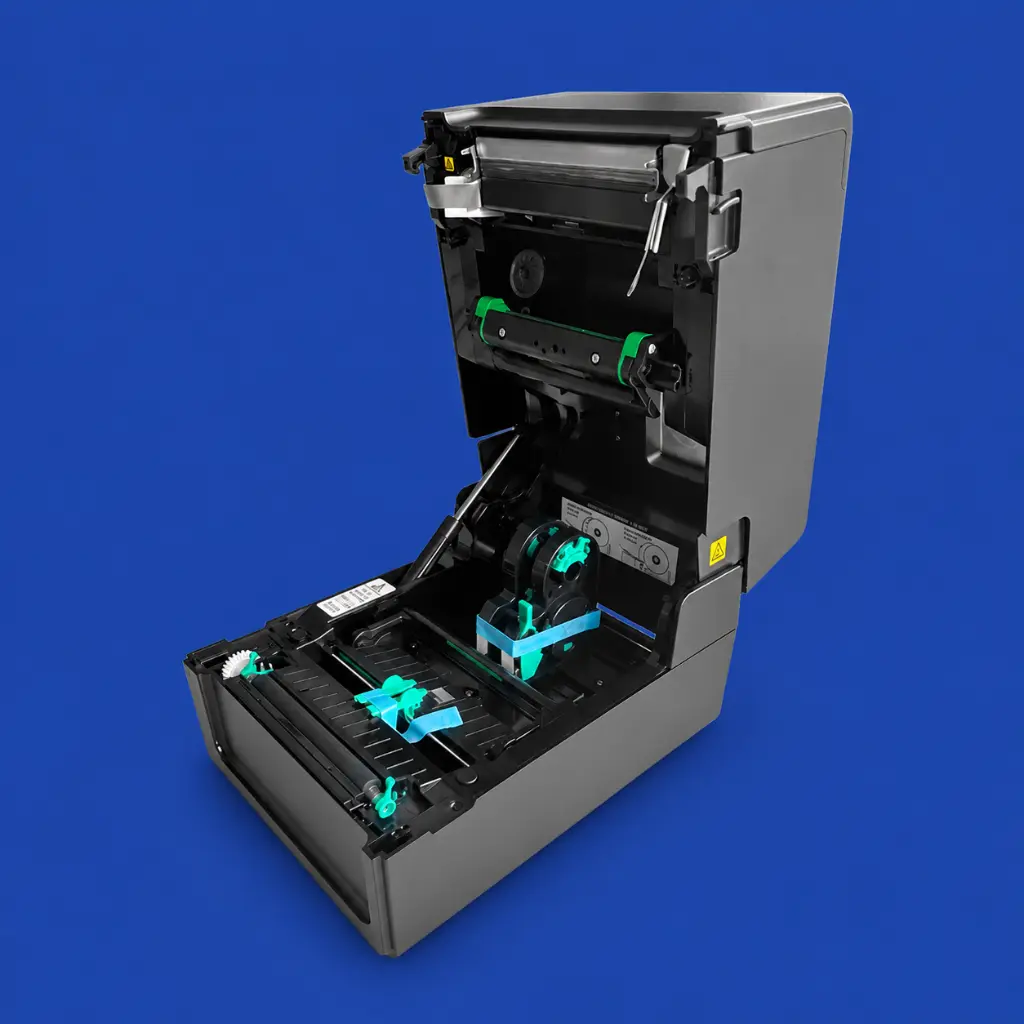
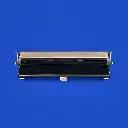

Printhead Toshiba BV420T 203 dpi
| Printer DPI: 203 DPI |
Print head for Toshiba BV420T 203 dpi
This replacement print head is suitable for the Toshiba BV420T label printer with a resolution of 203 dpi.
A well-functioning print head is essential for producing sharp and consistent labels. With this replacement print head, the original print quality can be restored when the existing print head is worn, dirty, or damaged.
When should the print head be replaced?
A print head is a wear component. With intensive use, print quality may deteriorate over time. When cleaning and adjusting the printer settings do not yield improvements, replacement may be necessary.
Common signals are:
- White or missing lines in the print
- Vague or incomplete texts
- Poorly readable barcodes and QR codes
- Uneven print quality across the label
- Declining quality during longer print jobs
- Prints that are not sharp despite correct settings
By replacing the print head in a timely manner, you prevent unreadable labels, incorrect registrations, and unnecessary downtime.
Suitable for various label applications
The print head is suitable for the Toshiba BV420T 203 dpi and can be used for both thermal transfer and direct thermal printing. The resolution of 203 dpi provides a good combination of speed and readability for everyday label applications.
The print head is suitable for printing on:
- Product and inventory labels
- Shipping and logistics labels
- Warehouse labels
- Plant labels
- Barcode and QR code labels
- Identification and registration labels
Main features
- Replacement print head for Toshiba BV420T
- Suitable for model BV420T-GS02
- Resolution: 203 dpi
- Flat-head printing technology
- Suitable for thermal transfer and direct thermal printing
- For sharp texts, barcodes, and QR codes
- Suitable as a replacement in case of wear or damage
- For professional labeling and identification applications
Important for assembly and maintenance
A print head is a sensitive component. Minimize contact with the print surface and ensure that the print head remains free of dust, dirt, and adhesive residue. Before installation, check that the printer is turned off and follow the manufacturer's installation instructions.
After replacing, check the print head pressure, temperature, and other printer settings. Using suitable labels and the correct ribbon contributes to good print quality and a longer lifespan of the print head.
