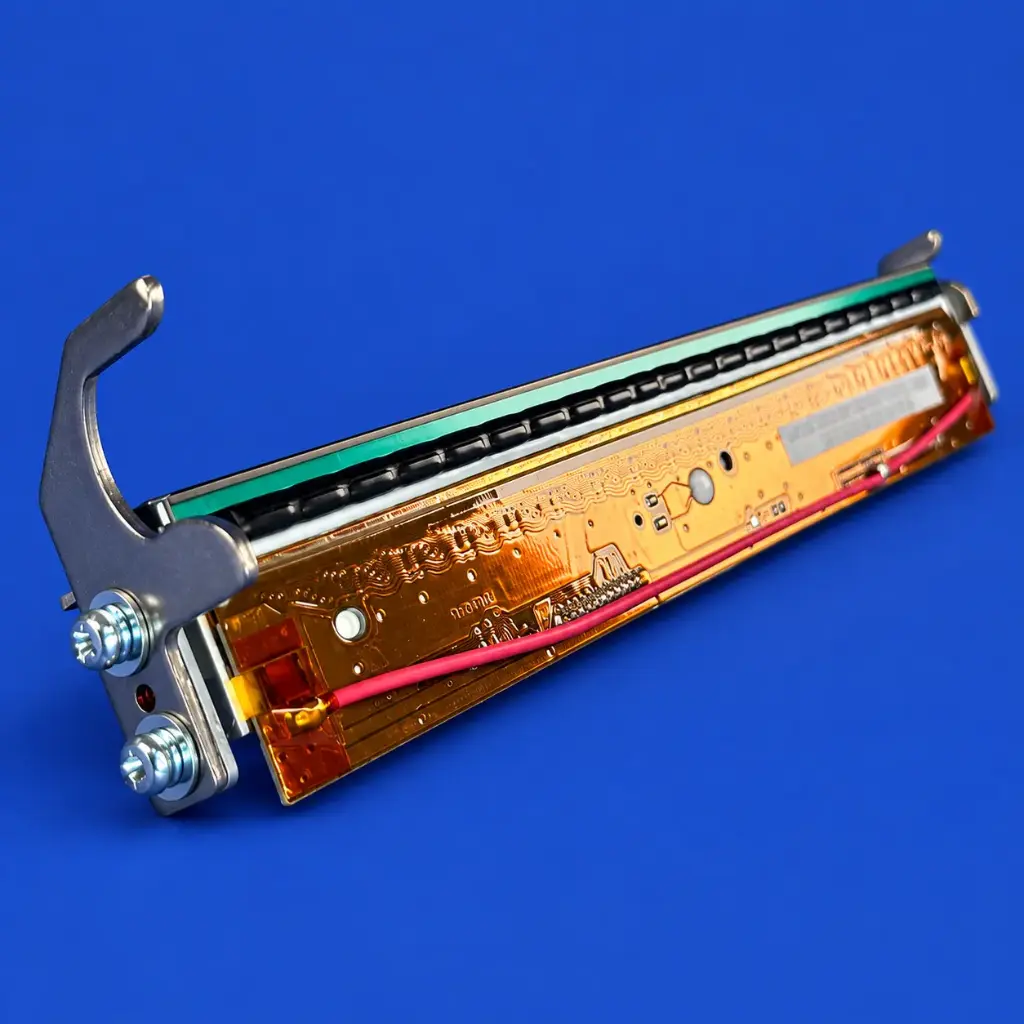
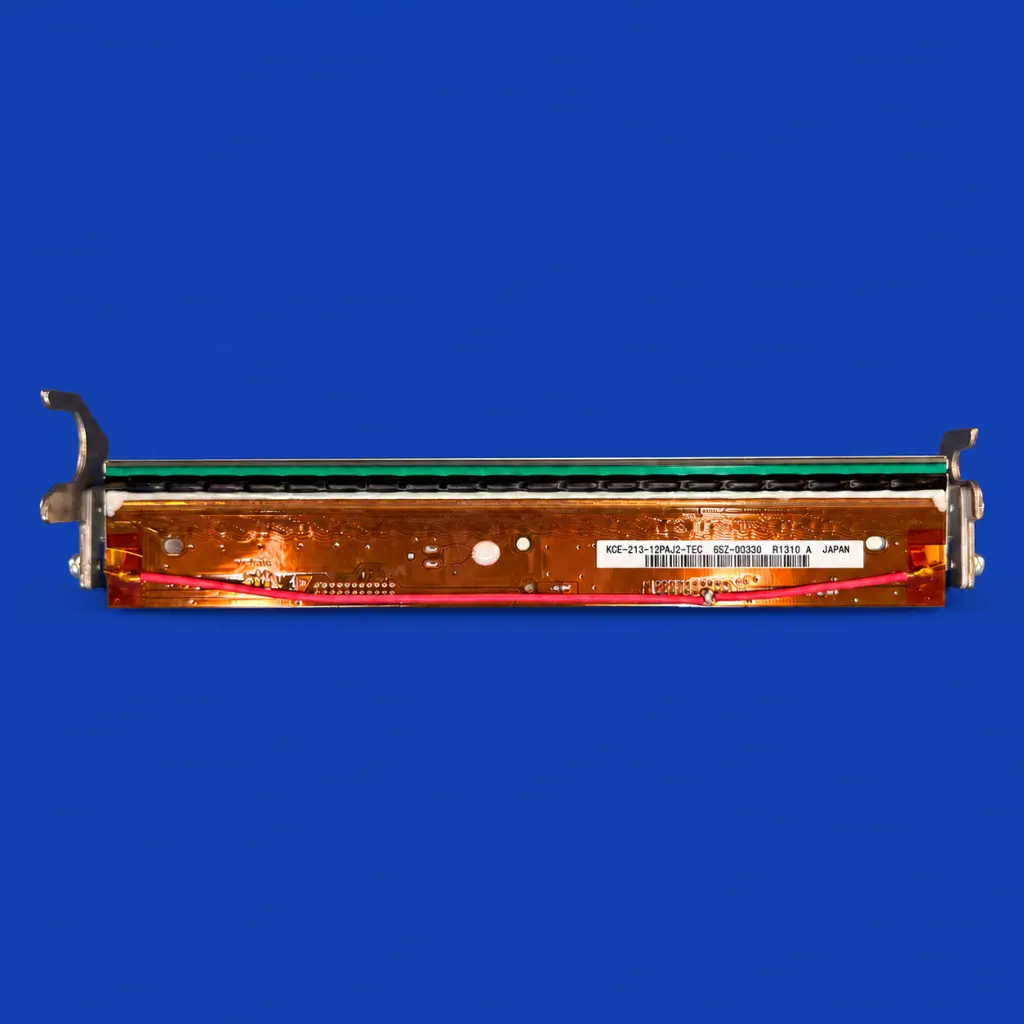
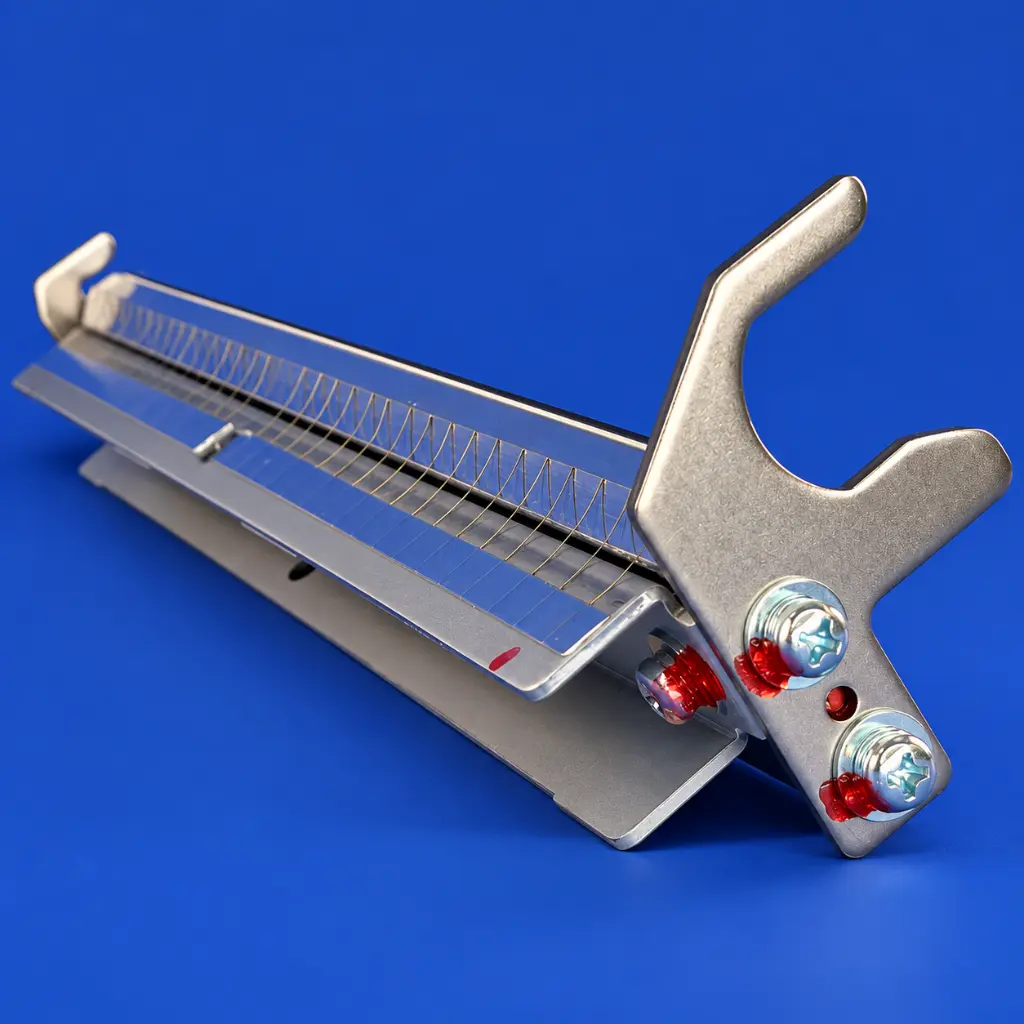
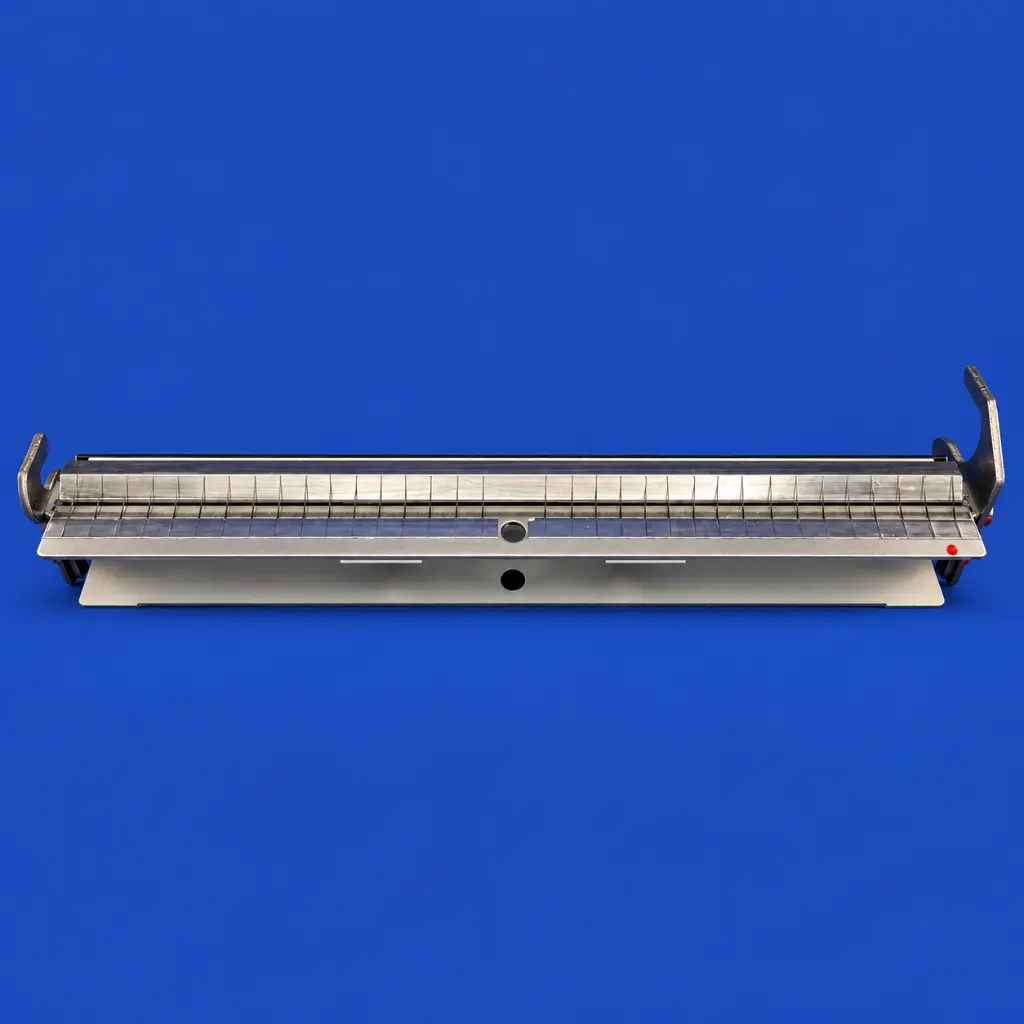
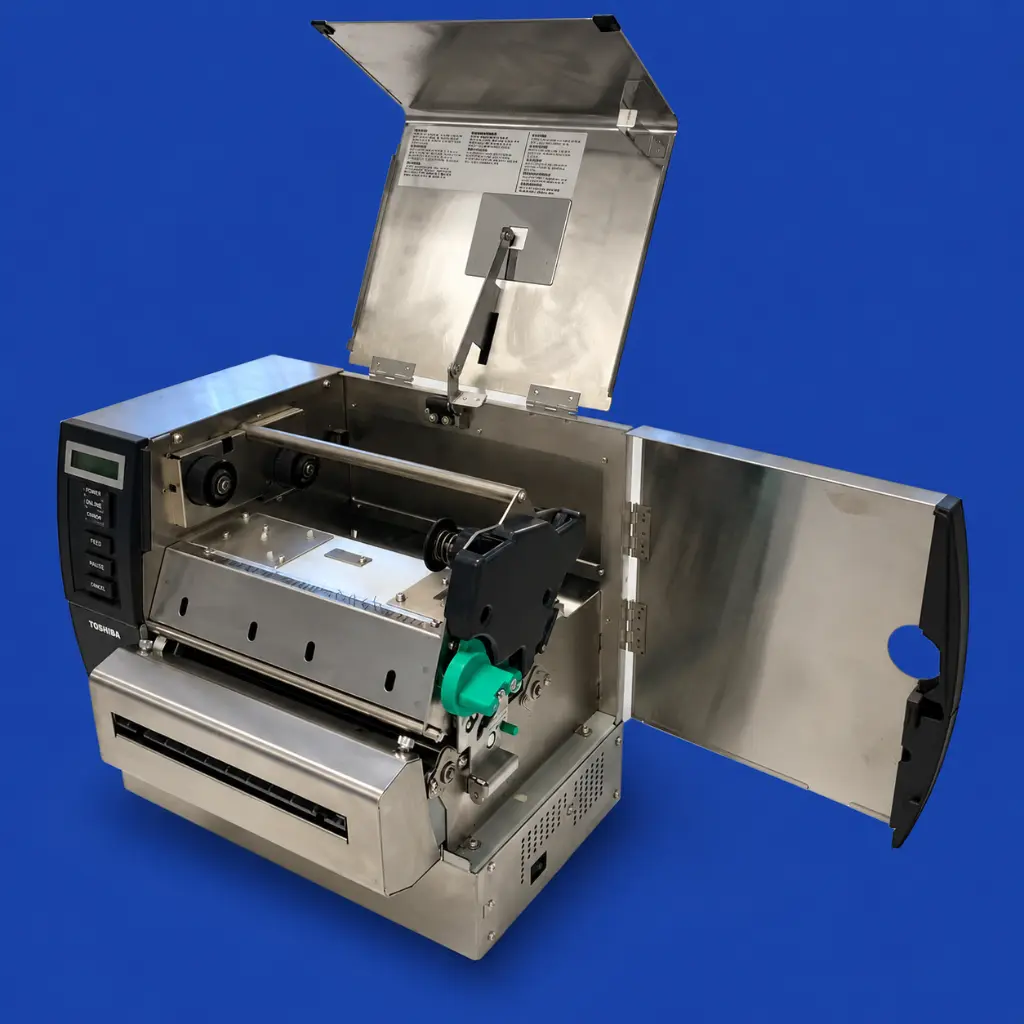
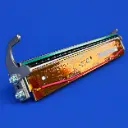
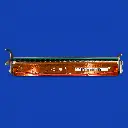


Printhead Toshiba B-SX8T 305 dpi
| Printer DPI: 305 DPI |
Print head for Toshiba B-SX8T 305 dpi
This replacement print head is suitable for the Toshiba B-SX8T industrial label printer. The printer operates at a resolution of 305 dpi and has a wide print head for printing large labels, tags, and plant markers.
A well-functioning print head is important for producing sharp text, barcodes, QR codes, and other variable information. With this replacement print head, the original print quality of the printer can be restored.
When should the print head be replaced?
Due to intensive use, dirt, adhesive residue, or damage, print quality may deteriorate over time. When cleaning and adjusting the printer settings are not sufficient, it may be necessary to replace the print head.
Common signs of a worn or damaged print head are:
- White or missing lines in the print
- Vague or incomplete texts
- Poorly readable barcodes and QR codes
- Uneven print quality across the width
- Declining quality during longer print jobs
By timely replacing a worn print head, you prevent incorrectly printed labels and unnecessary printer downtime.
Suitable for wide labels and stickers
The Toshiba B-SX8T is designed for printing wide label materials. The replacement print head is therefore suitable for applications where large amounts of information need to be clearly displayed, such as logistics labels, warning labels, product labels, plant tags, and industrial identification labels.
The resolution of 305 dpi ensures that texts, images, and codes are printed accurately and clearly readable.
Main features
- Replacement print head for Toshiba B-SX8T
- Resolution: 305 dpi
- Suitable for wide labels and stickers
- For thermal transfer and direct thermal printing
- For sharp texts, barcodes, and QR codes
- Suitable for professional and industrial applications
- Restores the original print quality
Important for assembly and maintenance
A print head is a sensitive component. Minimize contact with the print surface and ensure that the print head remains free of dust, dirt, and glue residue. Always check the exact printer model and resolution before placing an order.
After assembly, it is important to check the print head pressure, temperature, and other printer settings. Additionally, use suitable label material and the correct ribbon to maintain good print quality and maximize the lifespan of the print head.
